


Bookings
How can I make a booking
To book, simply click a cell containing a green check mark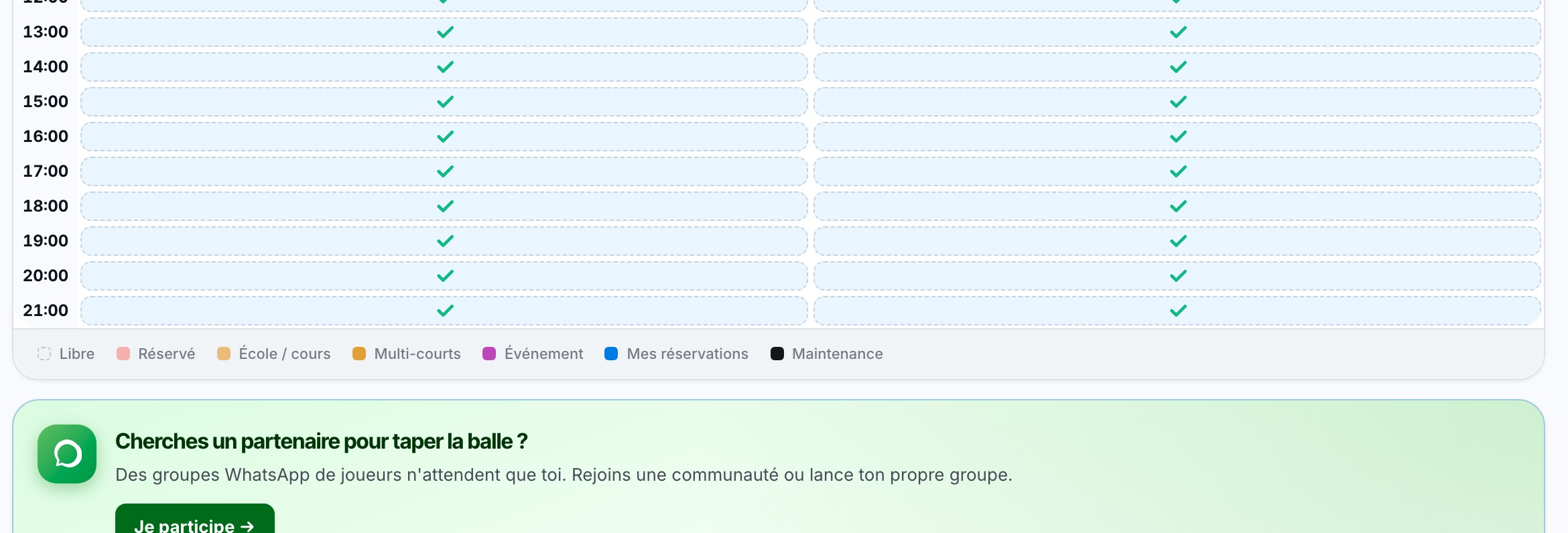
a panel will open to make the booking. The display of this panel differs from one booking to another. It all depends on whether or not you need to pay for the booking.
Your partner must be a member! You cannot book with a person who does not exist in the program. You must select a person from the list that appears when you type the first letters of their last or first name in the partner field.
If you want to book with a guest, you can click the favorite partner “Non-member partner?”. If this option does not appear, you can try typing “guest” in the partner field to see if this profile exists
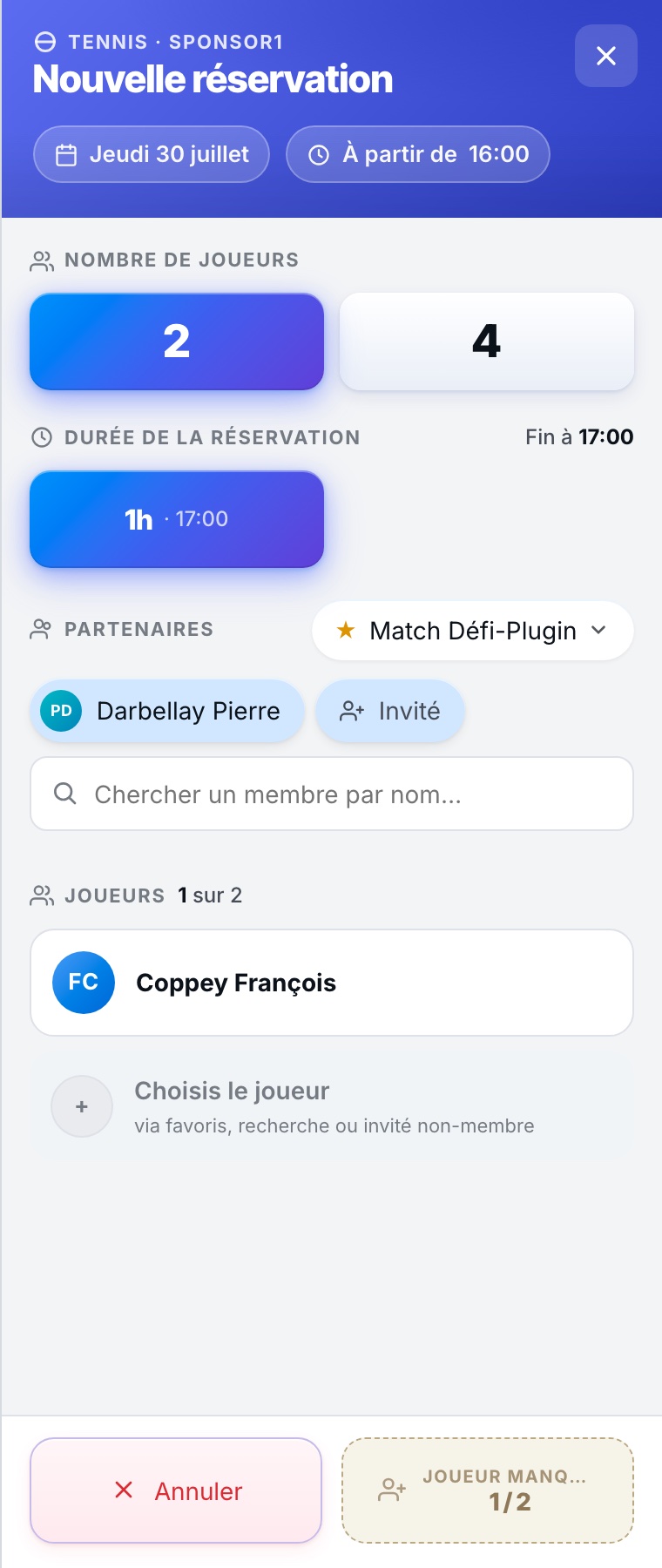
In this panel, you can choose the number of people, the duration of the booking, and your payment methods.
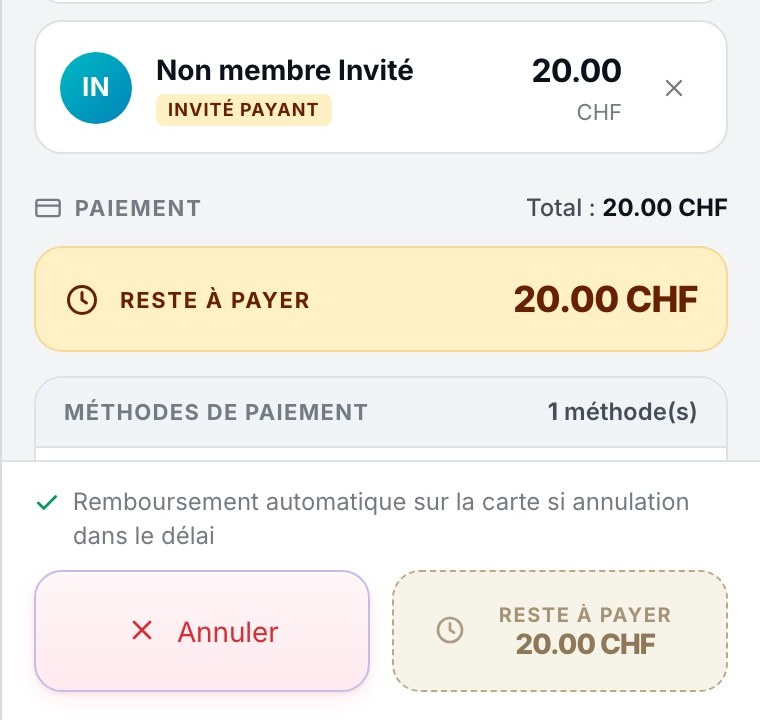
If you need to pay for your booking, you can choose between:
- Digital wallet
- Credit card
- TWINT
- Discount voucher
- On site
- Share with my partner
Payment options differ from one club to another.
Plugin.ch Tutorial — Bookings